
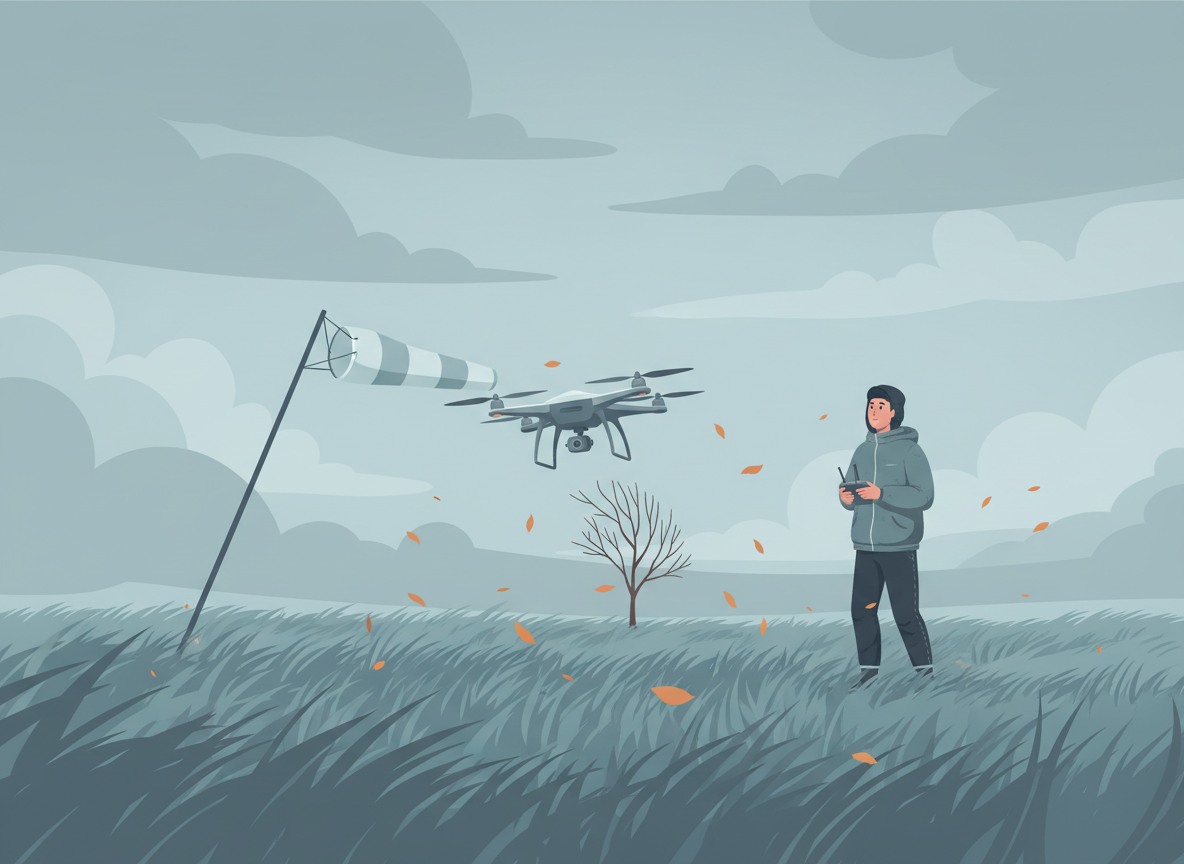
There’s no single FAA-mandated wind speed limit for drone flights, so the decision comes down to you. The short version: treat your drone’s manufacturer-listed “max wind resistance” as a hard ceiling you should never approach on purpose, pay more attention to gusts than to the sustained wind number on a weather app, and build your own personal minimums before you’re standing in a parking lot staring at bending trees. The rest of this guide walks through what the regulations actually require, how to read a manufacturer’s wind rating correctly, and how to check real conditions instead of guessing from how it feels on the ground.
What the FAA actually requires about wind
Part 107 does not set a numeric wind limit anywhere in the rule. What it does require, under 14 CFR 107.49, is that before every flight the remote pilot in command assess the operating environment, and that assessment must specifically include local weather conditions, along with local airspace and flight restrictions, the location of people and property, and any ground hazards. The rule tells you to look at the weather. It does not tell you how windy is too windy.
The FAA fills that gap with judgment rather than a table. Advisory Circular 107-2A frames this as Aeronautical Decision-Making — “a systematic approach to the mental process used by pilots to determine consistently the best course of action” — and points remote pilots toward its own risk-assessment tools rather than a fixed cutoff. The wind call is yours to make, using the aircraft’s actual limits and the conditions in front of you.
Reading a manufacturer’s wind rating correctly
Most consumer and prosumer drones ship with a published “max wind resistance” spec. According to DJI’s own specification pages, the Mini 4 Pro is rated at 10.7 m/s (about 24 mph) and the Air 3S at 12 m/s (about 27 mph). Those are company-reported figures from controlled testing, not independently verified field limits, and DJI doesn’t publish the test methodology behind them — so treat the number as a manufacturer claim about the aircraft’s technical ceiling, not a safety recommendation for how you should fly.
That distinction matters because a rating describes the point where the aircraft can still hold position against the wind, not the point where it has control authority left to spare for a sudden gust on top of that sustained wind. Flying at 90–100% of your drone’s rated resistance leaves almost no margin: a stronger-than-forecast gust, a low battery reducing available thrust, or a wind-direction shift mid-turn can all eat into it fast. A reasonable practice is to treat roughly half to two-thirds of the rated maximum as a working ceiling for routine flights, keeping the full rating as a limit you’re aware of rather than a target you fly toward. That’s a practical guideline, not a regulation — ratings vary by model and payload, so check your own aircraft’s documentation.
Sustained wind vs. gusts — the number that actually gets pilots in trouble
Weather apps love to show one headline wind number, usually the sustained speed — the average over a short period. That’s not the number behind most wind-related control problems. The National Weather Service defines a wind gust as a rapid fluctuation with a variation of 10 knots (about 11.5 mph) or more between peaks and lulls, measured as the maximum instantaneous speed. A forecast showing “12 mph, gusting to 25” describes two different flying conditions: a manageable steady breeze, and brief spikes that can be enough to push a small drone close to or past its rated resistance for a few seconds at a time.
Gusts matter most during takeoff, landing, and hover, when the aircraft has the least forward momentum to work with, and near structures, trees, or terrain that create localized turbulence the forecast won’t capture. If a forecast lists a gust figure at all, treat the gust number as the one that decides whether you fly — not the sustained average.
A field check with no app required: the Beaufort scale
If you’re already on-site and want a sanity check against what your phone said at home, the Beaufort wind scale — a 19th-century mariner’s scale still published by NOAA’s National Weather Service — translates wind speed into things you can actually see:
- Force 3, gentle breeze (8–12 mph): leaves and small twigs in constant motion — generally comfortable for most consumer drones.
- Force 4, moderate breeze (13–18 mph): dust and paper lift, small branches move — within most rated limits, but start watching gusts.
- Force 5, fresh breeze (19–24 mph): small leafy trees sway — near or above the rated maximum for many lightweight drones.
- Force 6, strong breeze (25–31 mph): large branches move, wind whistles in wires — above the ceiling for most consumer-class aircraft.
- Force 7+, near gale (32 mph+): whole trees move, walking is noticeably harder — not a flying day for small UAS, regardless of the spec sheet.
This scale won’t tell you the gust spread, and it’s no substitute for a real forecast, but it’s a useful gut check for whether the number on your screen still matches what’s happening in the parking lot.
Checking a forecast that’s actually accurate for your flight
A generic city-wide forecast is a starting point, not a flight briefing. For a location-specific hourly breakdown of sustained wind and gusts, NOAA’s National Weather Service offers a free point forecast tool at forecast.weather.gov — enter your exact coordinates rather than relying on the nearest city’s general forecast, since wind near a ridge, shoreline, or open field can differ from conditions a few miles away. Check again shortly before you leave for the site, not just the night before; gust figures especially can shift within a day.
If you fly commercially under Part 107, this check satisfies part of the weather-assessment duty under 107.49 — and it’s equally good practice for recreational flights under the FAA TRUST Test guidelines.
Setting your own personal minimums
Manned aviation has long used “personal minimums” — a pilot’s own, more conservative limits that sit inside the legal and aircraft limits, chosen in advance rather than negotiated in the moment. Drone pilots benefit from the same habit: a wind call made standing next to the aircraft, eager to fly, is a worse decision-making environment than one made calmly at home.
Worth deciding ahead of time: a sustained-wind number above which you don’t launch, a gust spread above which you land mid-flight, and specific missions — first flights on new terrain, flights near people or structures, anything you can’t easily abort — that get a tighter limit than routine practice. Write the numbers down somewhere you’ll check them, rather than trusting memory on a windy, rushed day.
Warning signs once you’re already flying
Forecasts are estimates, and conditions change after launch. Land if you notice the aircraft pitching noticeably to hold a stationary hover, struggling or drifting on a return path it handled easily minutes earlier, draining battery faster than your planned flight time accounts for (fighting wind costs power), or nearby trees and flags showing a sudden jump in wind strength. None of this requires an app to notice — they’re the same visual cues behind the Beaufort scale, applied in real time. A healthy, well-maintained battery gives you more margin here, since a pack degraded by poor storage or a high cycle count has less reserve power to spend fighting a headwind home.
Quick reference checklist
- Look up your specific drone’s published max wind resistance before you need it, not at the launch site.
- Check an hourly, location-specific forecast — not a general city forecast — shortly before you leave.
- Note both the sustained wind and the gust figure; let the gust number drive the decision.
- Treat roughly half to two-thirds of your drone’s rated maximum as a working ceiling for routine flights, not the full rating.
- Set personal minimums in advance, including a firm go/no-go gust threshold and a mid-flight land trigger.
- Watch for pitching, drift, or faster-than-expected battery drain as real-time warning signs, regardless of what the forecast said.
- When conditions are borderline, remember that landing early costs you a flight; flying past your margin can cost you the aircraft.
The bottom line
No regulation is going to make this decision for you, and no spec sheet number is a guarantee. The FAA requires you to assess weather before flying; it leaves the actual wind call to your judgment, your specific aircraft’s documented limits, and the gap between a forecast’s sustained number and its gust number. Build the habit of checking a real point forecast, respecting your drone’s rating as a ceiling rather than a challenge, and deciding your personal minimums before you’re standing in the wind — and the choice to fly or wait gets a lot less stressful.
This article provides general educational information, not safety or legal advice. It draws on 14 CFR 107.49, FAA Advisory Circular 107-2A, NOAA National Weather Service definitions and the Beaufort scale, and wind-resistance specifications published by DJI, current as of October 2026. All About UAVs has no material relationship with DJI, and no affiliate links are included. Manufacturer specifications and weather sources change — verify your specific aircraft’s current rating and check a live forecast before every flight.
Leave a Reply