Remote ID is now part of the normal preflight conversation for most registered drones in the United States. For a pilot, compliance usually comes down to one of three paths: fly a Standard Remote ID drone, attach an FAA-accepted broadcast module, or operate a drone without Remote ID equipment entirely inside an FAA-Recognized Identification Area (FRIA). The important part is choosing the right path for the aircraft and confirming that both the hardware and FAA registration record are correct before takeoff.
The video above walks through the three compliance options under 14 CFR Part 89. This companion guide adds a practical decision process, corrects a few easy-to-miss technical details, and gives you a checklist to use before the flight.
Who needs to comply with Remote ID?
According to the FAA’s current Remote ID guidance, drones that are registered or required to be registered must comply with Remote ID unless the FAA has authorized another exception. That includes drones flown under Part 107 and registered recreational aircraft.
A recreational drone weighing 0.55 pounds (250 grams) or less may generally avoid registration when it is flown only under the recreational exception. If that same aircraft is used under Part 107, however, it must be registered—and Remote ID requirements follow that registration requirement. Weight alone does not create a blanket Remote ID exemption for commercial operations.
Option 1: Fly a Standard Remote ID drone
A Standard Remote ID drone is produced with compliant Remote ID capability built into the aircraft. This is normally the simplest option because the aircraft, firmware, and broadcast function were designed to work as one system.
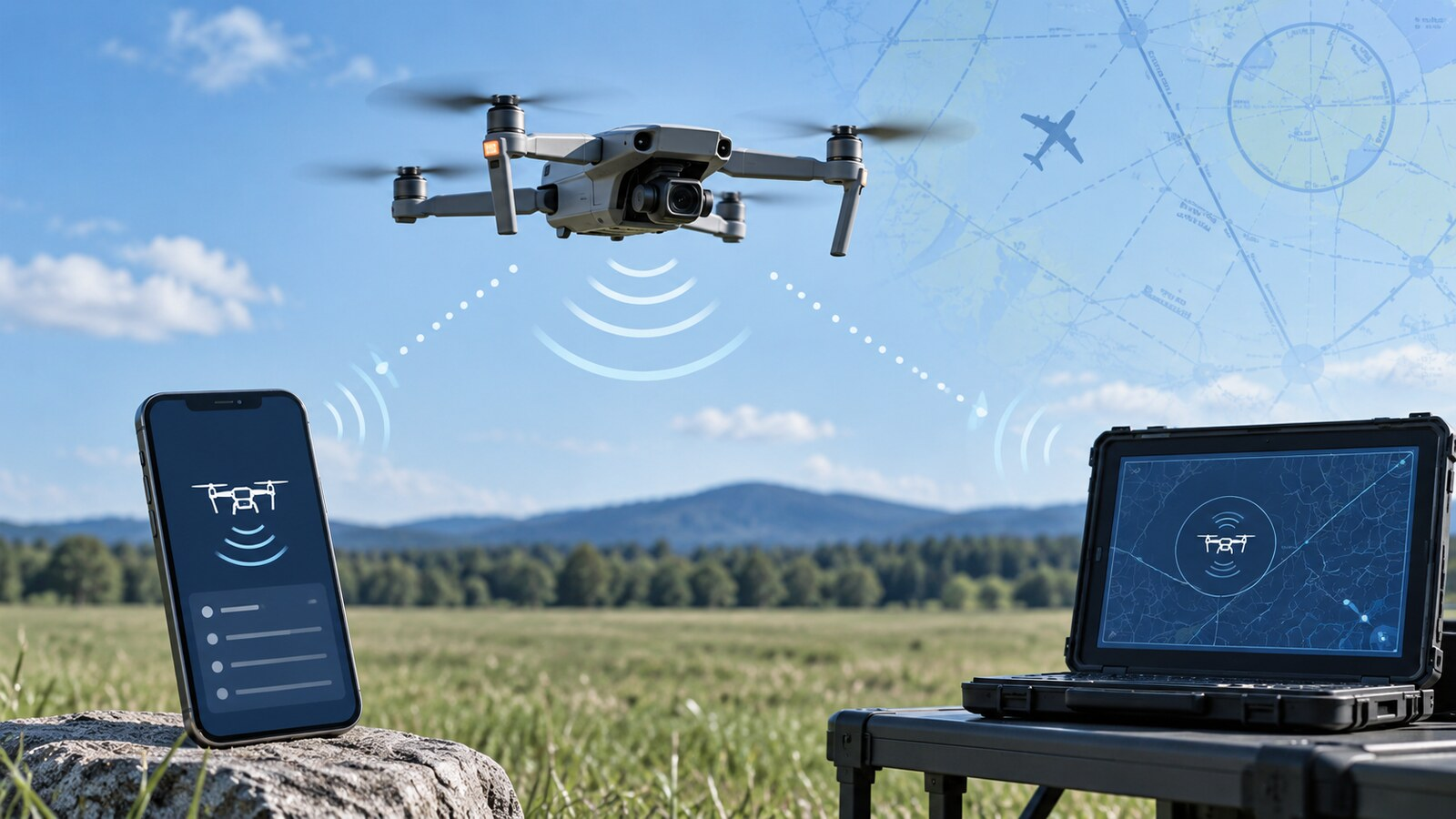
While operating, the aircraft broadcasts identification and flight information directly by radio frequency. The required message elements include the aircraft’s identification, location, geometric altitude, velocity, the control station’s location and geometric altitude, a time mark, and an emergency-status indication.
The rule refers to the control station location. That may closely correspond to the pilot’s location in a typical handheld-controller operation, but they are not interchangeable legal terms. It is more accurate to say the system broadcasts the control station location rather than promising that it always pinpoints the pilot personally.
Standard Remote ID aircraft must automatically test the Remote ID function before takeoff and prevent takeoff when that equipment is not functional. If the aircraft stops broadcasting during flight, the operator must land it as soon as practicable. The pilot also may not disable the aircraft’s Remote ID equipment or functionality.
Do not assume that every recently purchased drone automatically qualifies. Confirm the exact make and model in the FAA’s accepted Declaration of Compliance database. A manufacturer firmware update can sometimes make an older aircraft compliant as a Standard Remote ID aircraft, but only when the resulting model and configuration are covered by an FAA-accepted declaration.
Option 2: Add a Remote ID broadcast module
A broadcast module is the retrofit path for a drone that is not itself a Standard Remote ID aircraft. The module broadcasts its own serial number along with the drone’s position, geometric altitude, velocity, takeoff location and a synchronized time mark.
The operational difference matters: a module reports the takeoff location rather than continuously reporting a moving control-station location. Under §89.115, the person manipulating the controls must be able to see the aircraft at all times throughout the operation. A broadcast module therefore is not the correct compliance path for an operation that depends on authority to fly beyond visual line of sight.
Before takeoff, confirm that the module passes its self-test and is actually broadcasting. If its broadcast fails in flight, land as soon as practicable. The module’s serial number must also be included in the aircraft’s FAA registration record. Part 107 pilots register each aircraft individually; recreational inventory rules work differently and may allow one module to be associated with multiple listed aircraft.
Option 3: Fly without Remote ID equipment inside a FRIA
A FRIA is a defined location where a drone without Remote ID equipment can be operated. Both the aircraft and the person manipulating the controls must remain inside the approved boundaries for the entire operation, and the pilot must maintain visual line of sight.
FRIA status does not replace other flight requirements. Pilots still need to evaluate the surrounding airspace, obtain any required airspace authorization, and check current restrictions such as TFRs and NOTAMs. Use the FAA’s FRIA information and location resources rather than relying on an old club listing or an unofficial map.
There is also an important equipment nuance: a Standard Remote ID drone or a drone equipped with a broadcast module may be flown within a FRIA, but its Remote ID broadcast must remain active. The equipment-free FRIA pathway applies to aircraft that do not have Remote ID equipment.
How Remote ID broadcasts work
The final rule uses direct radio-frequency broadcasting compatible with personal wireless devices under FCC Part 15 rather than requiring the drone to maintain a cellular or internet connection. Wi-Fi and Bluetooth-based implementations are common examples. That design allows Remote ID to function in places where cellular service is unavailable.
The rule does not promise that every receiver will detect every drone at a fixed distance. Terrain, interference, antenna placement, device capability and the local radio environment can affect reception. Manufacturers must design compliant equipment to maximize receivable range while remaining within applicable radio rules.
Remote ID broadcast information can be received locally by compatible devices. The broadcast itself does not publicly reveal the registered owner’s name and home address. The FAA maintains registration information, and authorized public-safety personnel may seek identifying information through appropriate channels when necessary.
Remote ID preflight checklist
- Identify your compliance path. Confirm whether the aircraft is Standard Remote ID, uses an accepted broadcast module, or will fly without equipment inside a FRIA.
- Check the Declaration of Compliance. Match the exact make, model and configuration—not merely the manufacturer name.
- Confirm the serial number. Verify that the applicable Remote ID serial number is recorded correctly in FAADroneZone.
- Update firmware deliberately. Review manufacturer notes and confirm that an update has not changed or disabled expected Remote ID behavior.
- Run the preflight self-test. Do not launch with a failed or unavailable Remote ID function.
- Know the in-flight response. If the required broadcast stops, land as soon as practicable.
- Check the rest of the operation. Remote ID compliance does not replace registration, airspace authorization, Part 107 operating rules, TFR/NOTAM checks or local launch-and-land restrictions.
Two common Remote ID misunderstandings
A Session ID is not a routine option today
Part 89 provides for identification message elements, but the FAA’s current public guidance says operators of Standard Remote ID drones may be able to choose a Session ID in the future. Pilots should not assume they can substitute a Session ID unless the FAA formally makes that option available for their operation.
ADS-B Out is not a Remote ID substitute
Traditional ADS-B Out equipment cannot be used to satisfy Part 89 Remote ID requirements. The FAA also generally restricts small unmanned aircraft from using ADS-B Out unless specifically authorized, partly to avoid unnecessary congestion on aviation surveillance frequencies.
Choose the pathway before you reach the flight line
For most pilots, Standard Remote ID is the cleanest operational solution. A broadcast module can keep an older or custom aircraft useful, but it brings a specific visual-line-of-sight limitation. A FRIA preserves a place to operate aircraft without Remote ID equipment, but only inside the approved area and under the FRIA’s operating conditions.
If you are building your Part 107 knowledge, continue with our Part 107 study guide, review the first 30 days guide for new pilots, or practice with the All About UAVs Part 107 training app.
This article provides general educational information and is not legal advice. Always verify current FAA rules and guidance for your specific aircraft and operation.